Extract and Verify Receipt Transaction Data with AI
How to extract receipt data in 3 steps
1. Upload a receipt
Upload PDF, image (JPG/PNG), or scanned receipt files.
2. AI extracts structured transaction data
Automatically identify merchant name, date, line items (description, quantity, unit price, amount), taxes, tips, and final total.
3. Review source evidence
Every extracted field links back to supporting text or position on the original receipt before export.
Traditional Receipt OCR vs Source-Verified Receipt Extraction
Traditional Receipt OCR / Scanners
- × Extract numbers without showing where they came from
- × Difficult to audit line item accuracy
- × Misread totals or taxes often go unnoticed
- × Manual correction required before accounting import
Gentables Source-Verified Extraction
- ✓ Every field (amount, tax, line item) includes supporting source evidence
- ✓ Missing or ambiguous values are clearly flagged
- ✓ Verify results before importing into expense systems
- ✓ Traceable structured output for audit and compliance
More than a Receipt Scanner
Extract complete transaction details
Capture merchant name, address, date, line items (SKU, description, quantity, unit price, amount), subtotal, tax breakdown, tip, total, and payment method from receipts and purchase records.

Source-backed evidence for every field
See exactly where each extracted value appeared on the receipt. Every line item and total can be traced back to its original position in the document.

Structured JSON for accounting and expense workflows
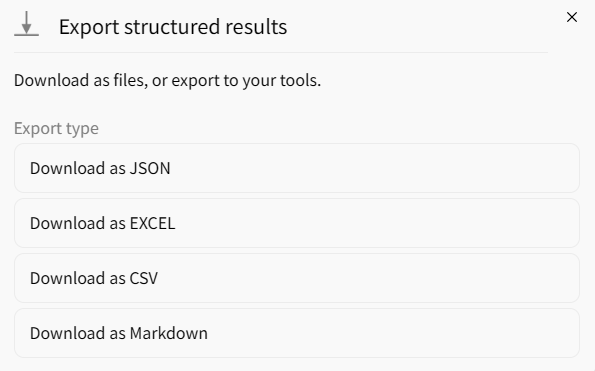
Export clean transaction data as JSON, tables, or spreadsheets for ERP systems, expense management tools, and audit trails.
Common receipt extraction use cases
Expense Management & Reimbursement
• Parse receipts for employee expense reports
• Verify transaction amounts before approval
• Standardize receipt data across the organization
Accounting & Bookkeeping
• Extract line items and tax details for general ledgers
• Build searchable purchase databases
• Validate vendor information against source documents
Audit & Compliance Automation
• Feed verified transaction data into audit workflows
• Generate source-backed spending reports
• Maintain traceable records for tax purposes
FAQs about receipt extraction
Extract and verify receipt transaction data now



