Export PDF Tables to Excel
How to export PDF tables to Excel
1. Upload your PDF or scanned file
Upload a PDF, scanned document, or image containing one or more tables.
2. AI extracts and organizes table data
Our system detects rows, columns, headers, and table structure automatically.
3. Download as Excel (.xlsx)
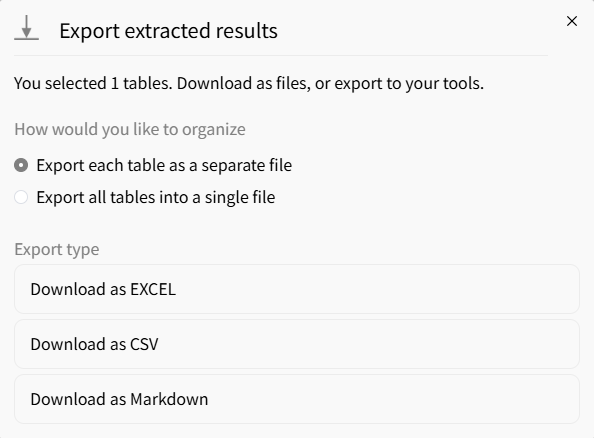
Export your extracted tables into clean, editable Excel spreadsheets instantly.
AI vs Manual PDF Table to Excel Export
Stop manually copying PDF tables
- × Stop copying rows and columns by hand
- × Stop fixing broken formatting after paste
- × Stop losing data from complex or scanned PDFs
Let AI export tables to Excel
- ✓ Turn static PDF tables into editable spreadsheets
- ✓ Save hours compared to manual copy and cleanup
- ✓ Easily analyze, filter, and reuse data in Excel
Best AI tool for exporting PDF tables to Excel
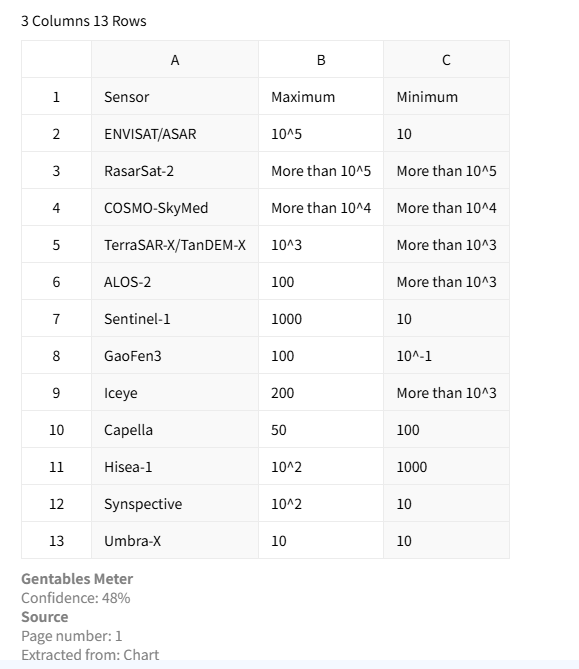
Accurate table extraction
Extract tables from PDFs while preserving rows, columns, headers, and alignment. This ensures the Excel output remains structured and ready for analysis, reporting, and automation without heavy manual cleanup.
Supports scanned PDFs with OCR
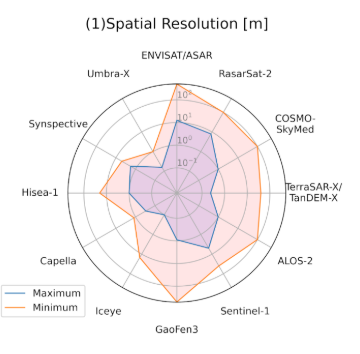
Built-in OCR technology enables extraction from scanned PDFs and image-based documents. It accurately recognizes text inside tables and reconstructs spreadsheet-ready structures for fast reuse.
Clean Excel output
Get well-organized Excel files without messy formatting or broken columns. This improves workflow efficiency and makes sharing, editing, and downstream analytics much easier.
Common use cases
Finance & Accounting
• Export financial tables from statements and reports
• Convert invoices and billing PDFs into Excel sheets
• Prepare datasets for audits, dashboards, and forecasting
Research & Consulting
• Extract tables from research papers and academic PDFs
• Standardize tabular data from reports and case studies
• Build reusable datasets for analysis and visualization
Operations & Compliance
• Process regulatory documents and compliance reports
• Export tables from contracts, forms, and filings
• Automate manual data entry into internal systems
FAQs about exporting PDF tables to Excel
Export your PDF tables to Excel now



