PDF to CSV – Clean, Machine-Readable Data
How to convert PDF tables to CSV
1. Upload your PDF or image
Upload a PDF, scanned document, or image file containing tables.
2. Convert tables to structured data
Our system extracts and organizes table data into rows and columns.
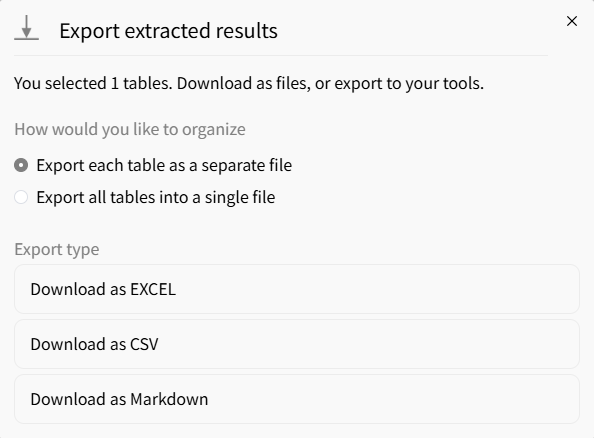
3. Download as CSV
Export extracted tables into structured CSV format instantly.
AI vs Traditional PDF Table Extraction
Stop manually copying tables
- × Stop copying rows and columns by hand
- × Stop fixing broken layouts after extraction
- × Stop losing data from complex or scanned documents
Let AI to extract tables
- ✓ Turn static PDF tables into editable CSV data
- ✓ Save time compared to manual copy and paste
- ✓ Easily analyze, import, and reuse data in any system
Best AI tool for PDF to CSV converter
UTF-8 encoding, always
CSV encoding issues are a nightmare. We output UTF-8 with proper comma escaping and quote handling. Works with Python, R, SQL imports, and Airbyte without 'corrupt file' errors.
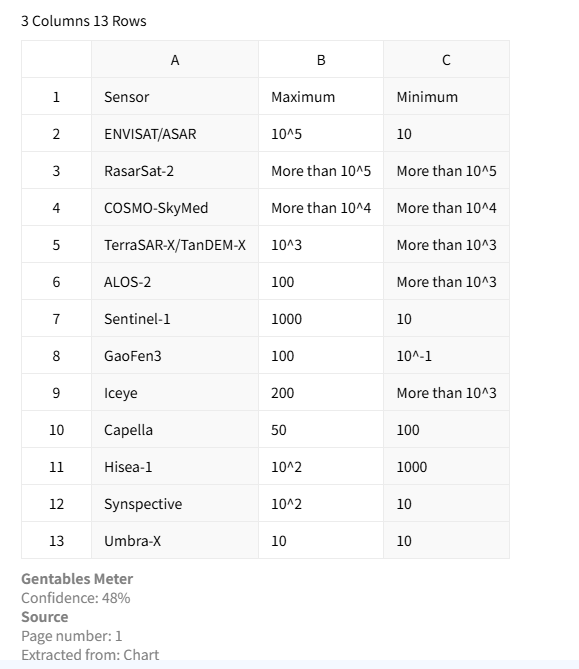
No formatting, just data
Unlike Excel, CSV is plain text. We strip all visual formatting and give you the raw table data – perfect for loading into databases, data warehouses, or BI tools like Tableau.
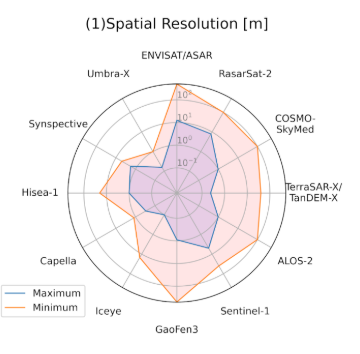
Handles multi-page tables across multiple CSVs
For large PDFs with dozens of tables, we can output each table as a separate CSV file (zipped) or append to a single CSV – you choose.
Common use cases
Analysts & Finance
• Extract financial tables from reports and statements
• Convert invoices and billing PDFs into structured CSV data
• Prepare datasets for analysis, dashboards, and forecasting
Researchers & Consultants
• Extract tables from research papers and academic PDFs
• Collect and standardize data from reports and case studies
• Convert unstructured documents into reusable CSV datasets
Operations & Compliance
• Process regulatory documents and compliance reports
• Extract tables from contracts, forms, and filings
• Automate data entry into internal systems and workflows
FAQs about converting PDF to CSV
Convert PDF Tables to CSV now



