Convert Image to Table with AI
How to convert image to table
1. Upload your image file
Upload a PNG, JPG, screenshot, or scanned photo containing one or more tables.
2. AI detects and reconstructs tables
Our AI identifies rows, columns, headers, and table structure with high OCR accuracy.
3. Export as Excel or CSV
Download the extracted table in a clean, editable spreadsheet format instantly.
AI vs Traditional Image to Table Conversion
Stop manually rebuilding tables
- × Stop copying rows and columns by hand
- × Stop fixing broken layouts after OCR extraction
- × Stop losing structure from screenshots or scanned images
Let AI convert images to tables
- ✓ High accuracy OCR with preserved rows and columns
- ✓ Supports scanned images, screenshots, and photos
- ✓ Handles merged cells, complex layouts, and multi-line rows
Best AI tool for image to table conversion
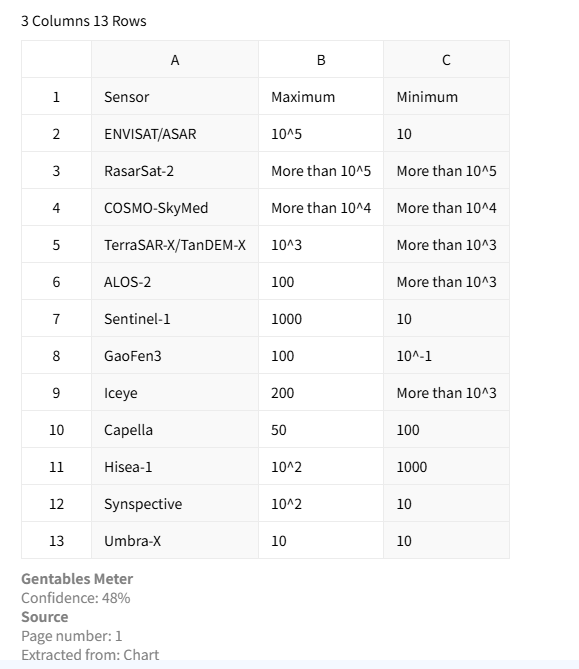
Preserve table structure accurately
Convert images into structured tables while preserving rows, columns, headers, and alignment. This ensures the final output is ready for reporting, analytics, and further automated processing without manual cleanup.
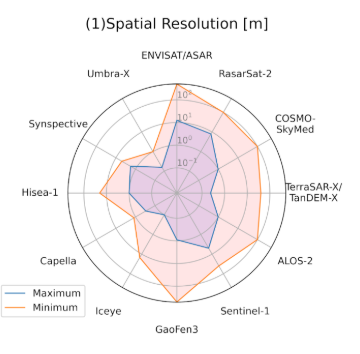
Supports screenshots and scanned images
Built-in OCR technology enables extraction from screenshots, scanned photos, and image-based documents. It accurately recognizes text within tables and reconstructs spreadsheet-ready structures automatically.
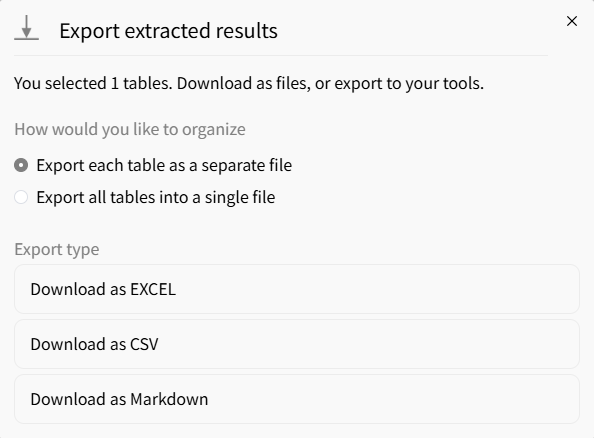
Export to spreadsheet-ready formats
Download converted tables as Excel, CSV, or JSON depending on your workflow needs. This supports easy integration with spreadsheets, BI systems, and data pipelines for immediate reuse.
Common use cases
Finance & Accounting
• Convert financial screenshots and reports into tables
• Extract invoice and billing image data into spreadsheets
• Prepare structured datasets for audits and dashboards
Research & Analytics
• Convert tables from research screenshots and scanned papers
• Standardize visual tabular data from reports and studies
• Build clean datasets for analysis and visualization
Operations & Compliance
• Extract tables from forms, screenshots, and image-based records
• Process compliance documents and operational reports
• Automate manual data entry into internal systems
FAQs about image to table conversion
Convert your image to table now



