Convert PDF to Google Sheets – Direct & Collaborative
How to get PDF tables into Google Sheets
1. Connect your Google account (one click)
Securely authorize our tool to save a new Google Sheet to your Drive. We only ask for Sheets/Drive write access – we never store your files.
2. Upload your PDF or image
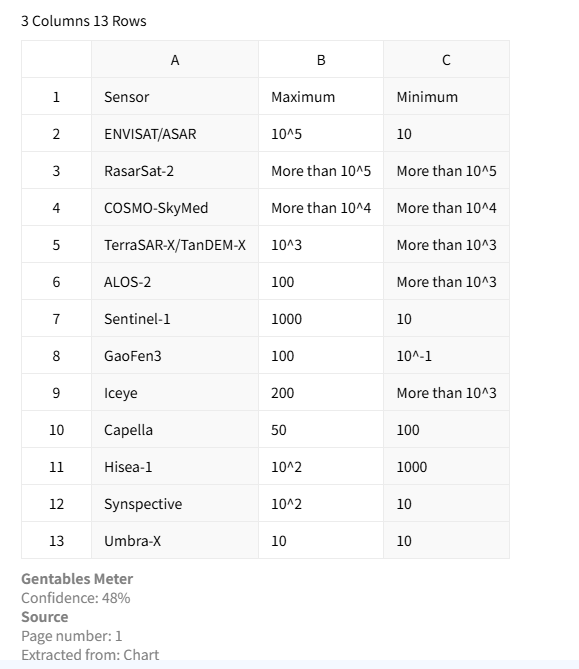
Select a PDF, scanned document, or image containing tables. Our AI detects every table automatically.
3. Open your new Google Sheet instantly
We create a brand new Google Sheet with the extracted tables and open it in your browser. No download, no re-upload – start collaborating right away.
Why use AI for PDF → Google Sheets?
Stop the copy‑paste & file shuffle
- × Stop copying tables manually from PDF to Sheets
- × Stop downloading CSV/Excel then re‑uploading to Drive
- × Stop dealing with broken formatting after pasting
Direct-to-Sheets workflow
- ✓ Extracted tables land directly in a new Google Sheet
- ✓ Preserved rows, columns, and merged cells
- ✓ Scanned PDFs and images supported via OCR
Why our PDF to Google Sheets tool is different
No download, no re-upload
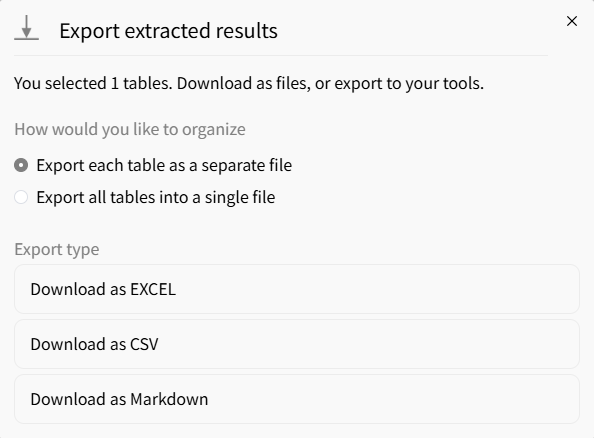
Most PDF converters force you to download an Excel/CSV file, then manually upload it to Google Drive. We cut that friction: we create the Sheet for you and open it instantly in your browser.
Works with scanned & image-based PDFs
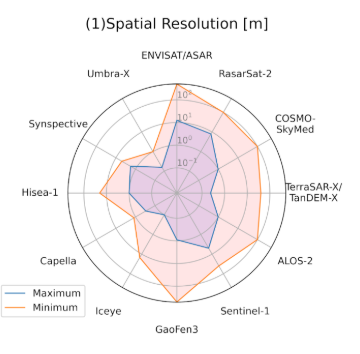
No need to pre-convert scanned documents. Built-in OCR extracts tables from photos, scans, and non-selectable PDFs, then writes them directly into your new Google Sheet.
Real-time collaboration ready
The output is a native Google Sheet. Share the link with your team, leave comments, edit simultaneously – all the collaboration features you expect from Google Sheets, with zero extra steps.
Perfect for teams & cloud workflows
Remote teams & collaboration
• Sales team: Extract pricing tables from vendor PDFs → shared Sheet
• Marketing: Pull survey tables into a live dashboard on Google Sheets
• Ops: Convert warehouse inventory PDFs to a team‑editable spreadsheet
Analysts & reporting
• Extract financial tables directly into Google Sheets for pivot tables
• Automate weekly report PDFs → shared analysis Sheet
• Combine data from multiple PDFs into a single collaborative workbook
Education & research
• Students: Convert research paper tables to Google Sheets for group projects
• Teachers: Extract student data from scanned forms into a gradebook Sheet
• Librarians: Digitize archive tables into cloud‑based spreadsheets
FAQs about PDF to Google Sheets
Convert PDF Tables to Google Sheets now



