Extract Tables from PPTX with AI
How to extract tables from PPTX
1. Upload your PowerPoint file
Upload a PPTX or PowerPoint presentation containing one or more tables.
2. AI detects tables automatically
Our AI identifies slide tables, rows, columns, headers, and visually aligned table-like data.
3. Download as Excel or CSV
Export extracted tables into structured Excel, CSV, or JSON format instantly.
AI vs Traditional PPTX Table Extraction
Stop manually copying slide tables
- × Stop copying data from presentation slides by hand
- × Stop rebuilding tables from text boxes
- × Stop losing structure from complex slide layouts
Let AI extract tables
- ✓ High accuracy extraction with preserved formatting
- ✓ Supports embedded tables and text-based slide tables
- ✓ Handles multiple slides and complex layouts
Best AI tool for PPTX table extraction
Accurate table extraction
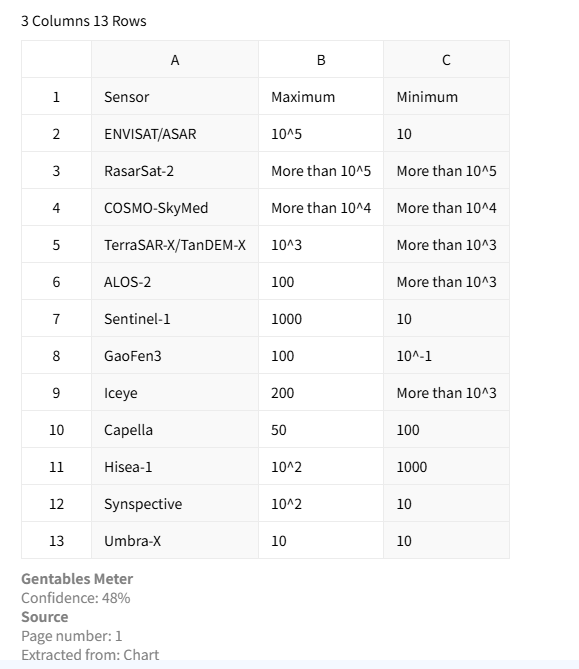
Extract tables from PPTX files with high precision while preserving rows, columns, headers, and formatting.
Handles embedded and visual tables
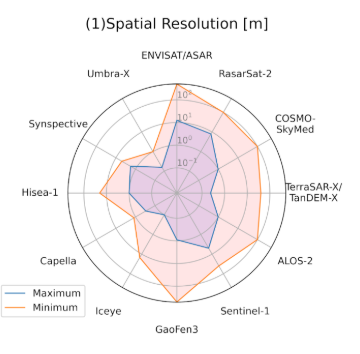
Extract both native PowerPoint tables and visually aligned data arranged in text boxes or shapes.
Export to multiple formats
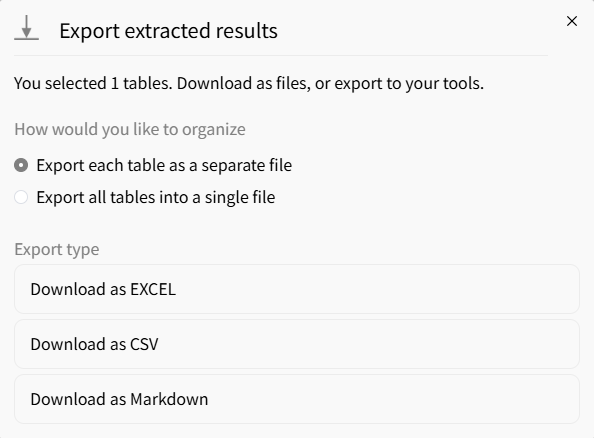
Export extracted tables into Excel, CSV, or JSON for analysis, reporting, and automation.
Common use cases
Business & Finance
• Extract tables from business presentations
• Convert slide reports into structured data
• Prepare datasets for dashboards and analysis
Consultants & Researchers
• Extract tables from presentation decks
• Standardize slide data across reports
• Save hours of manual copy-paste
Operations & Reporting
• Process recurring presentation reports
• Extract KPI and metric tables from slides
• Automate reporting workflows
FAQs about extracting tables from PPTX
Extract tables from your PPTX now



