Best AI PDF Table Extractor
More than a PDF table extractor
Extract
Automatically detect and extract tables from PDFs, including multi-page and complex layouts.
Verify
Validate extracted tables against source documents to ensure accuracy and traceability.
Repair
Detect missing rows, broken structures, and inconsistencies — and fix them automatically.
Why this is the best PDF table extractor
AI-powered extraction
Extract tables with high accuracy, preserving rows, columns, merged cells, and structure — even in complex documents.
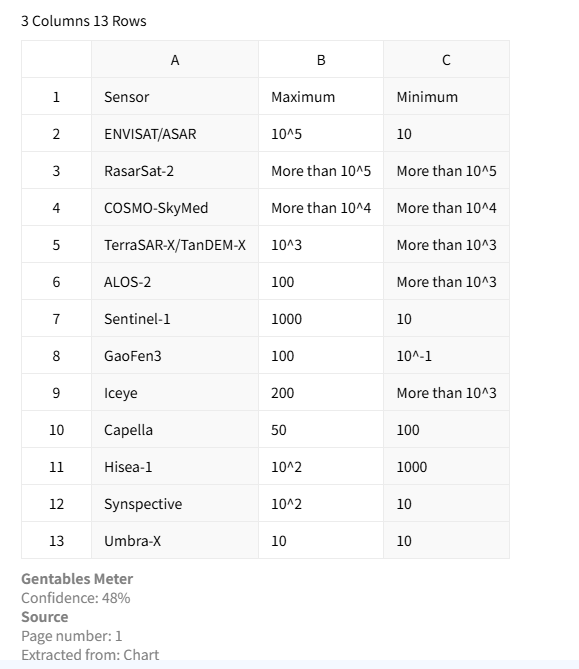
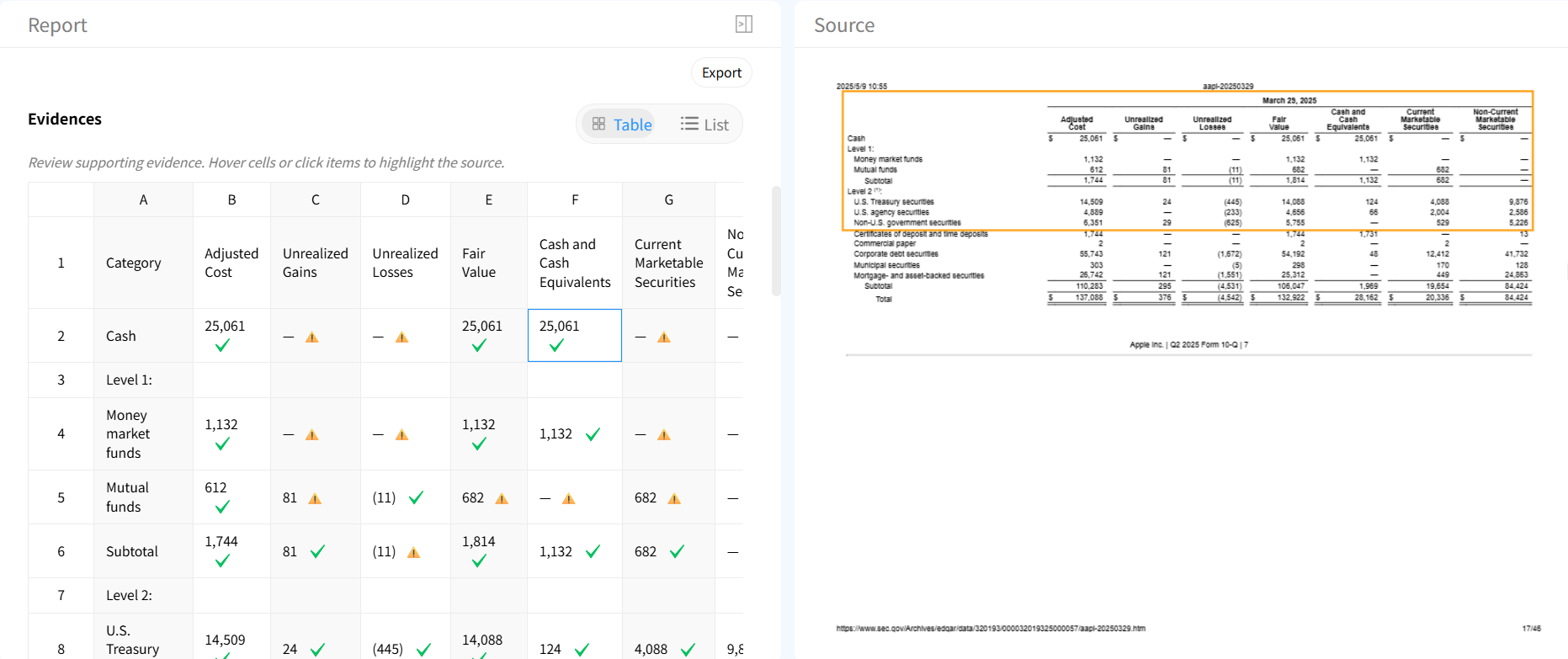
Table verification & traceability
Validate extracted data against original sources and understand exactly where each value comes from.
Automatic table repair
Fix incomplete tables, alignment issues, and missing values automatically with AI-powered repair.

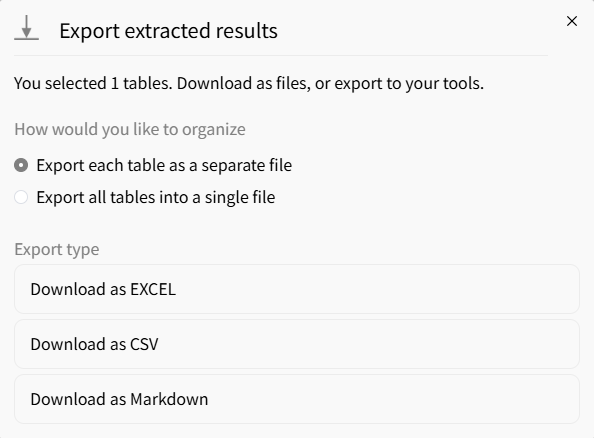
Flexible export formats
Export tables to Excel, CSV, or JSON for analytics, reporting, or downstream workflows.
AI vs traditional PDF table extractors
Traditional tools
- × Struggle with scanned PDFs
- × Break on merged or complex tables
- × No validation of extracted data
- × Require manual cleanup
Gentables AI extractor
- ✓ Handles scanned and image-based PDFs
- ✓ Preserves complex table structures
- ✓ Built-in verification with source tracing
- ✓ Automatic cleanup and repair
Who uses PDF table extractors
Finance & Accounting
• Extract tables from financial statements and reports
• Process invoices and billing documents
• Prepare clean datasets for analysis and auditing
Research & Data Analysis
• Extract tables from academic papers and reports
• Build structured datasets from unstructured PDFs
• Save hours of manual data entry
Operations & Compliance
• Process contracts, forms, and filings
• Extract regulatory and compliance tables
• Automate document-heavy workflows
PDF table extractor FAQs
Start using the best PDF table extractor



