Best AI XLSX Table Extractor
More than an Excel table extractor
Extract
Automatically detect and extract tables from Excel files, including multiple sheets and hidden table regions.
Verify
Validate extracted tables for completeness, consistency, and schema correctness.
Repair
Fix broken headers, missing rows, merged cells, and inconsistent spreadsheet structures automatically.
Why this is the best XLSX table extractor
AI-powered spreadsheet extraction
Extract clean tables from messy Excel workbooks, preserving headers, columns, and table boundaries accurately.
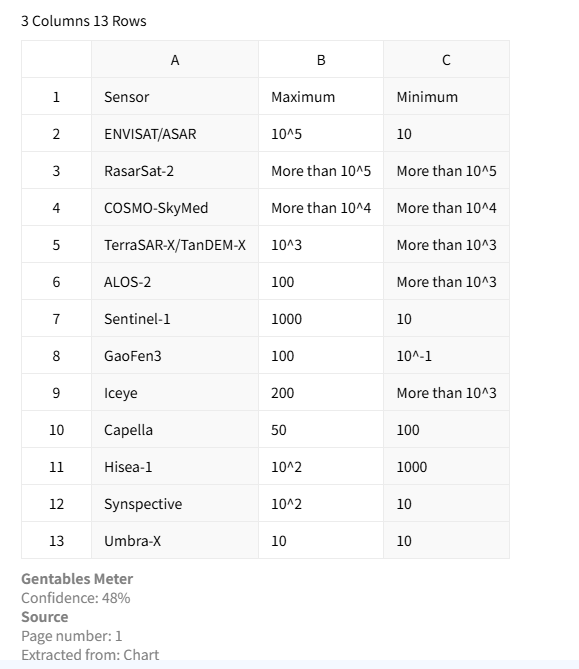
Detect multiple tables automatically
Identify multiple independent tables across sheets or within the same worksheet—even when layouts are irregular.
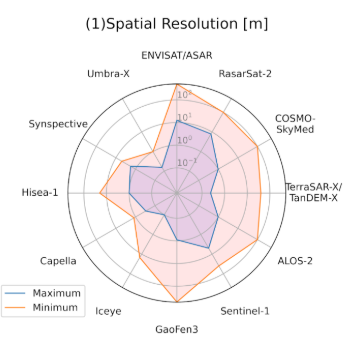
Table verification & traceability
Verify extracted values against original spreadsheet cells and trace exactly where each value came from.
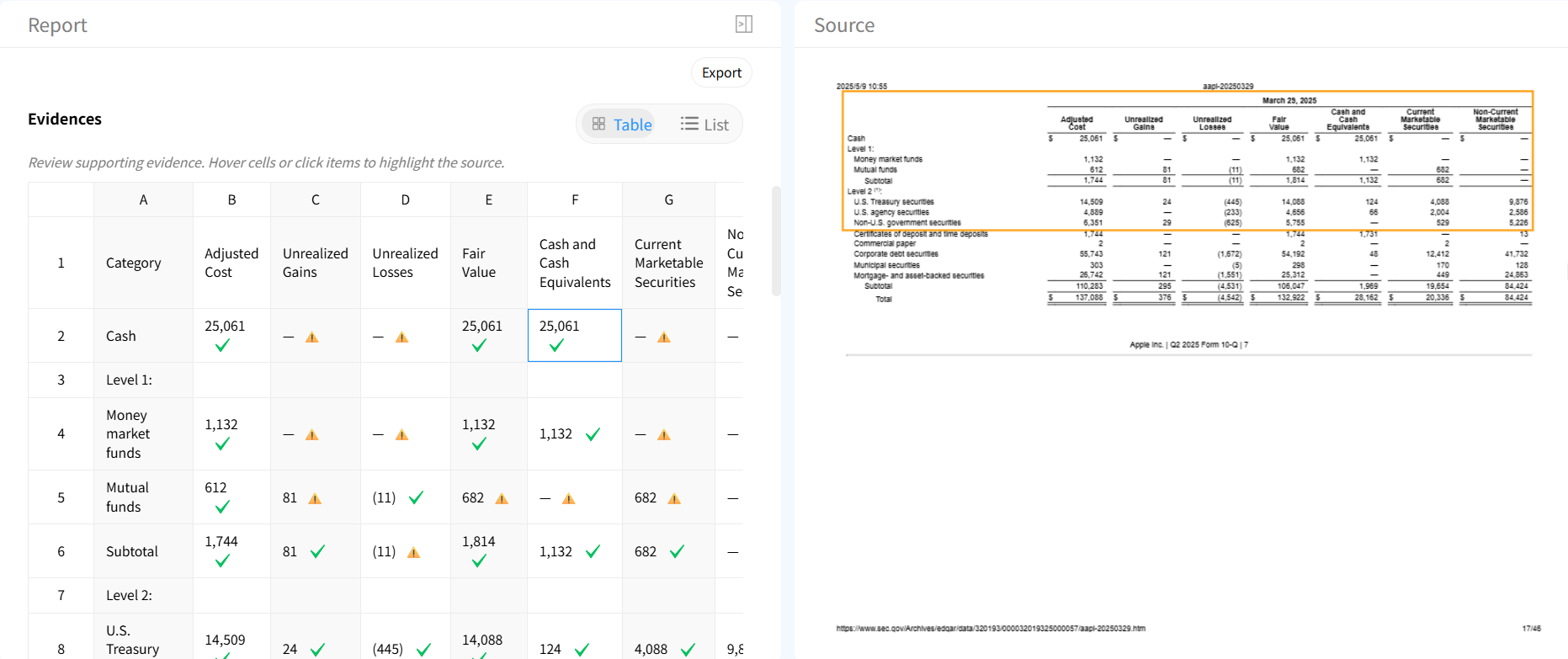
Automatic table repair
Repair merged cells, broken schemas, empty rows, and inconsistent formatting automatically.

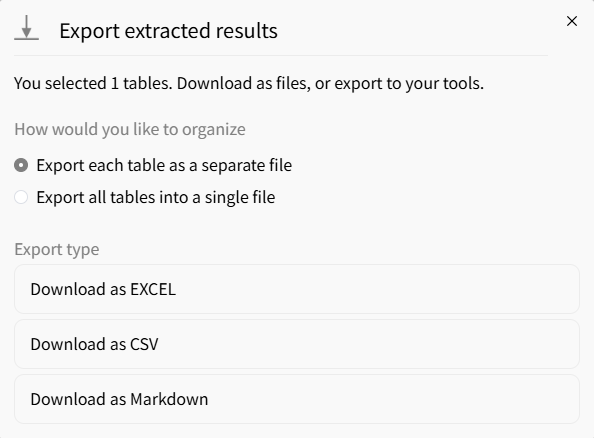
Flexible export formats
Export cleaned tables to Excel, CSV, or JSON for analytics, ETL pipelines, or downstream workflows.
AI vs traditional Excel table extraction tools
Traditional tools
- × Require manual table selection
- × Fail on messy spreadsheets
- × Break on merged cells or blank rows
- × No validation or repair
Gentables AI extractor
- ✓ Automatically detects hidden and multiple tables
- ✓ Handles irregular spreadsheet layouts
- ✓ Built-in verification with cell tracing
- ✓ Automatic cleanup and repair
Who uses XLSX table extractors
Finance & Accounting
• Extract clean tables from complex financial workbooks
• Normalize budget spreadsheets and reporting files
• Prepare structured datasets for analysis and audits
Operations & Analytics
• Consolidate tables from multi-sheet Excel files
• Clean manually maintained spreadsheets
• Automate spreadsheet ingestion pipelines
Data Engineering
• Convert messy Excel data into structured formats
• Detect schema inconsistencies automatically
• Prepare reliable inputs for ETL workflows
XLSX table extractor FAQs
Start using the best XLSX table extractor



