Extract Tables from Spreadsheets with AI
How to extract tables from spreadsheets
1. Upload your spreadsheet
Upload Excel, CSV, or spreadsheet files containing one or multiple tables.
2. AI detects table boundaries
Gentables automatically identifies separate tables, headers, and structured regions.
3. Download clean structured tables
Export extracted tables as Excel, CSV, or JSON files instantly.
AI vs traditional spreadsheet extraction
Stop manually splitting spreadsheets
- × Stop selecting and copying tables manually
- × Stop fixing merged cells and broken layouts
- × Stop guessing table boundaries in messy sheets
Let AI detect tables automatically
- ✓ Detect multiple tables in one spreadsheet
- ✓ Preserve headers, merged cells, and structure
- ✓ Repair messy layouts automatically
Best AI tool for spreadsheet table extraction
Automatic table detection
Detect multiple separate tables inside spreadsheets, even when they are scattered across sheets or separated by empty rows.
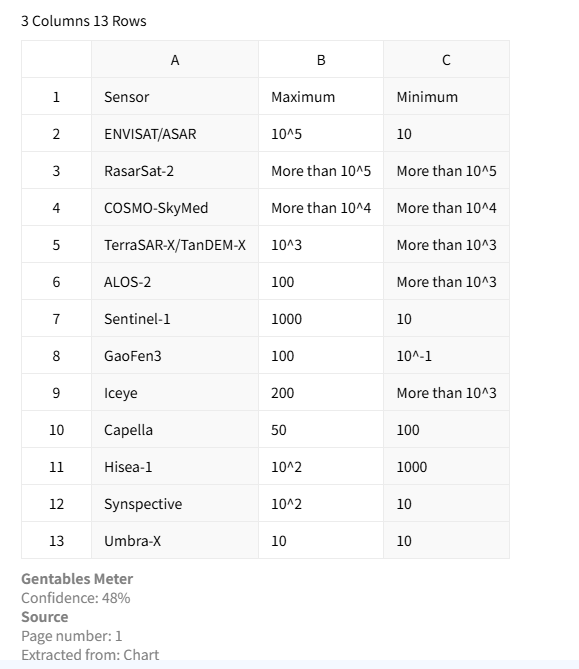
Messy spreadsheet cleanup
Handle merged cells, irregular formatting, empty gaps, and broken layouts automatically.
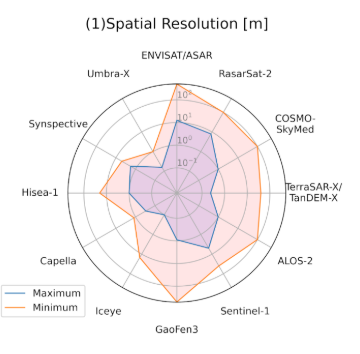
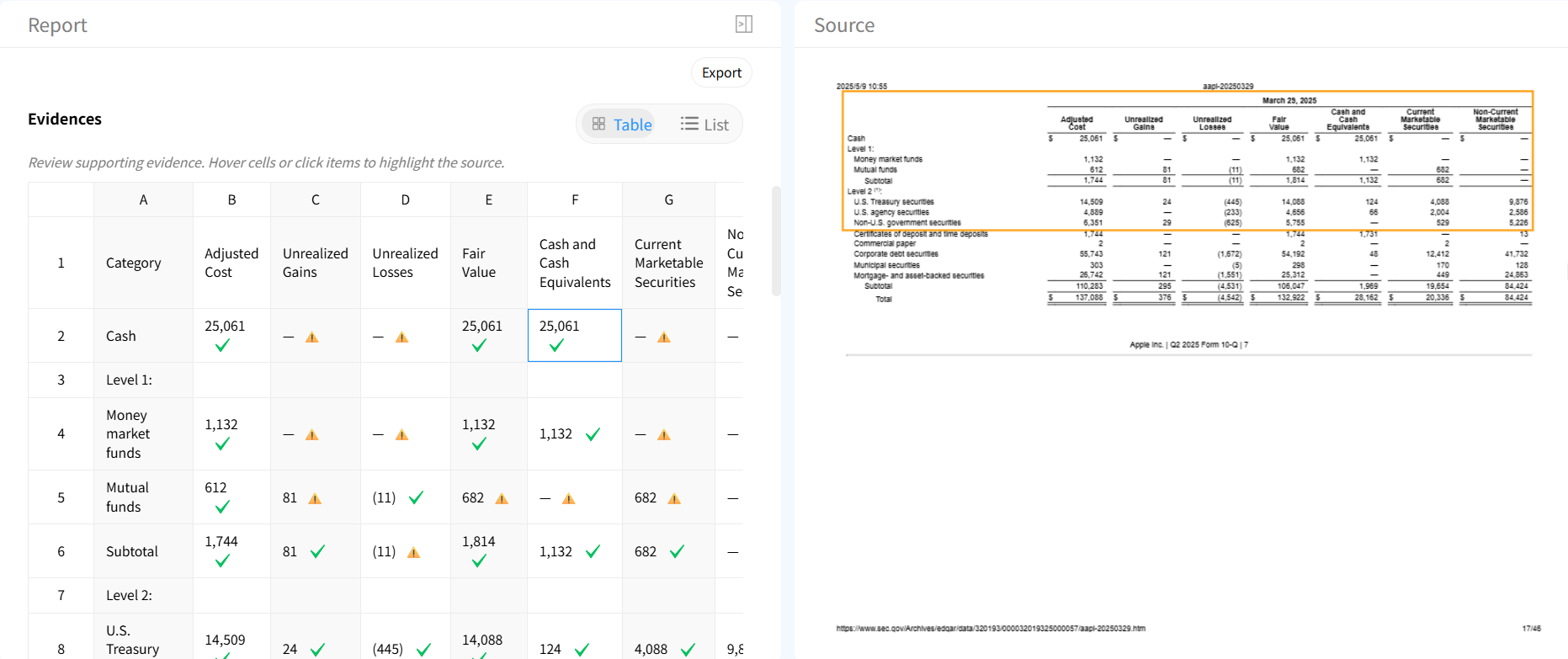
Table verification & traceability
Validate extracted tables against original spreadsheet content and trace every value back to its source.
Automatic table repair
Fix incomplete rows, broken headers, and alignment issues automatically.

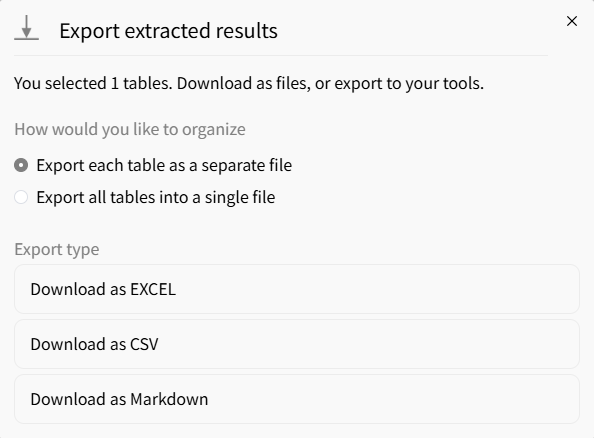
Flexible export formats
Export extracted tables to Excel, CSV, or JSON for analytics and automation.
Common use cases
Finance & Reporting
• Extract tables from financial spreadsheets
• Separate reports into structured datasets
• Prepare data for dashboards and analysis
Operations & Data Cleanup
• Split messy spreadsheets into clean tables
• Standardize internal Excel files
• Automate spreadsheet preprocessing
Analytics & Engineering
• Detect structured regions in uploaded sheets
• Feed extracted tables into data pipelines
• Convert spreadsheets into machine-readable datasets
FAQs about extracting tables from spreadsheets
Extract tables from your spreadsheet now



