Best AI Screenshot Table Extractor
More than a screenshot table extractor
Extract
Automatically detect and extract tables from screenshots, screen captures, and saved screen images.
Verify
Validate extracted tables against the original screenshot for accuracy and full traceability.
Repair
Detect OCR errors, broken rows, and formatting issues — and fix them automatically.
Why this is the best screenshot table extractor
AI-powered screenshot table extraction
Extract tables from screenshots while preserving rows, columns, headers, and merged cells with high accuracy.
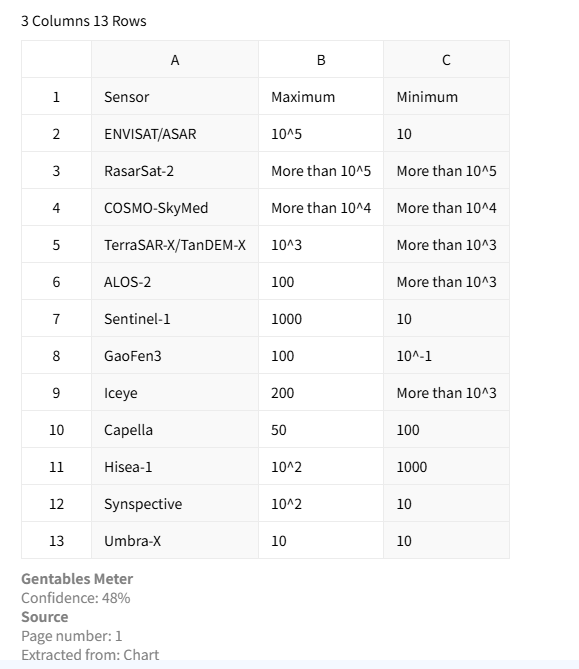
OCR for screen captures
Built-in OCR recognizes text from dashboard screenshots, web tables, reports, and saved screen captures.
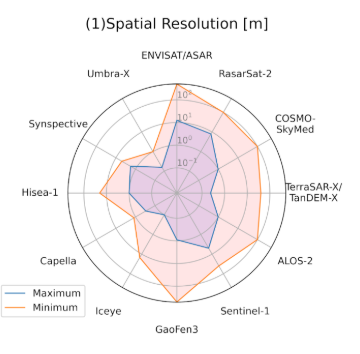
Table verification & traceability
Verify extracted values against the original screenshot and trace every cell back to its source.
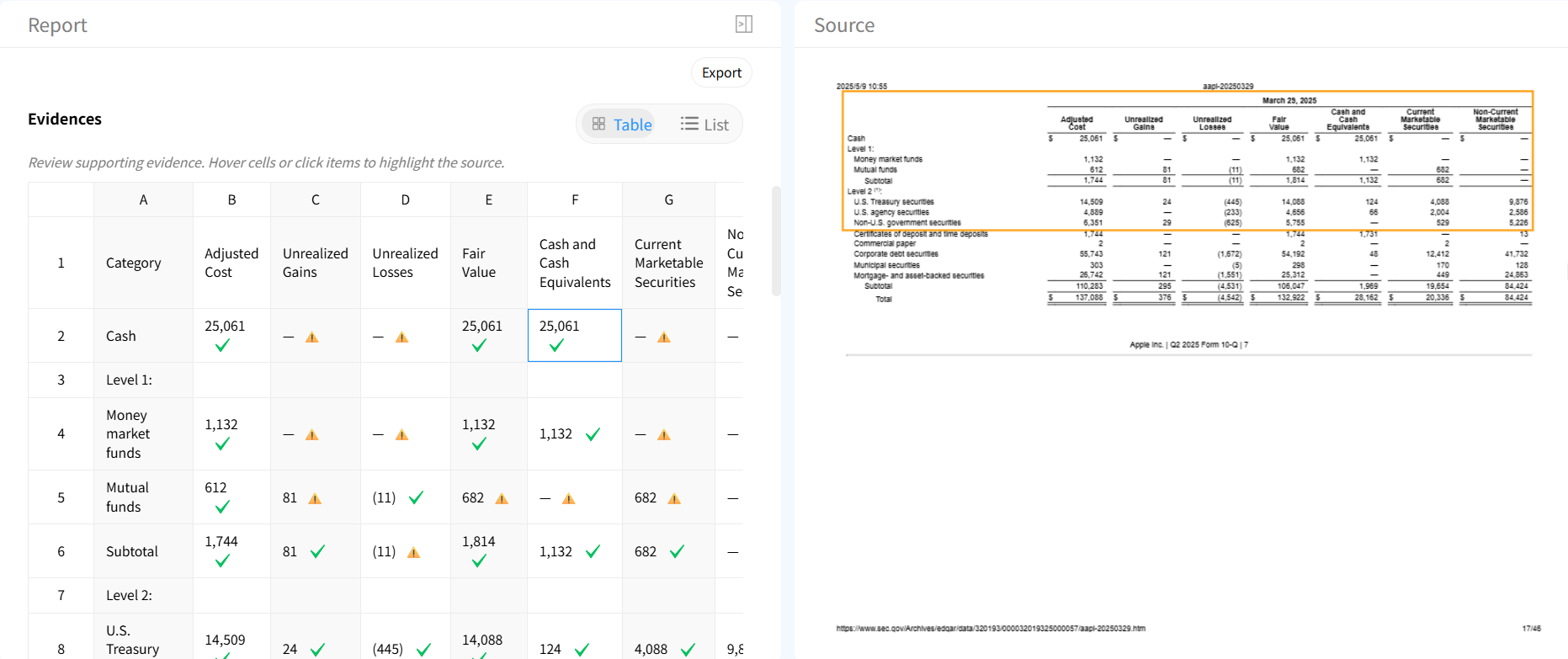
Automatic table repair
Fix OCR mistakes, missing rows, and alignment issues automatically with AI-powered repair.

Flexible export formats
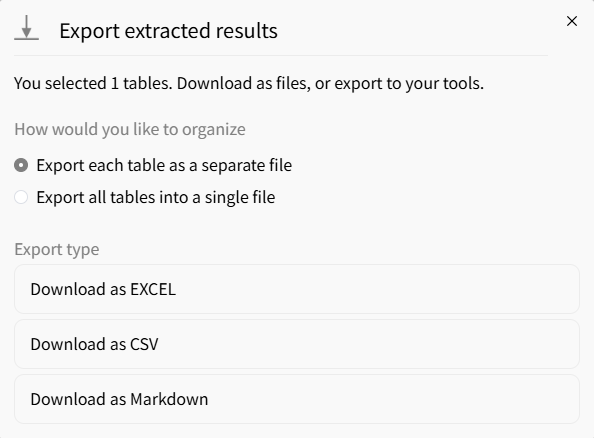
Export extracted screenshot tables to Excel, CSV, or JSON for analysis and automation.
AI vs traditional screenshot table extractors
Traditional tools
- × OCR errors require manual cleanup
- × Break on complex or compressed screenshots
- × Lose merged cells and formatting
- × No validation of extracted data
Gentables AI extractor
- ✓ Handles dashboard and website screenshots
- ✓ Preserves complex table structures
- ✓ Built-in verification with source tracing
- ✓ Automatic cleanup and repair
Who uses screenshot table extractors
Business & Analytics
• Extract tables from dashboard screenshots
• Convert KPI reports into structured Excel data
• Capture competitor or market data quickly
Research & Documentation
• Extract tables from screenshots in reports or slides
• Turn visual data into editable spreadsheets
• Save hours of manual copy-paste
Operations & Automation
• Process screen-captured internal reports
• Automate screenshot-based data entry
• Feed extracted data into downstream systems
Screenshot table extractor FAQs
Start extracting tables from screenshots



