Best AI Table Data Extractor
More than a table extractor
Extract
Automatically detect and extract tables from PDFs, images, web pages, spreadsheets, and text documents.
Verify
Validate extracted tables against source content for accuracy and full traceability.
Repair
Detect broken rows, alignment issues, and missing values — and fix them automatically.
Why this is the best table data extractor
Universal document support
Extract tables from PDFs, scanned images, HTML pages, text files, spreadsheets, and other structured or semi-structured documents.
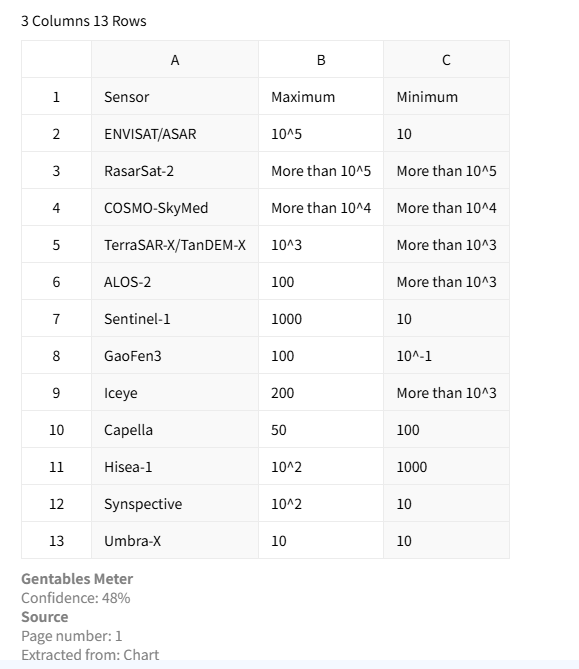
AI-powered extraction
Preserve headers, rows, columns, merged cells, and table structure — even in messy or complex layouts.
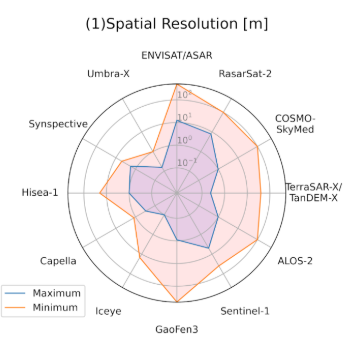
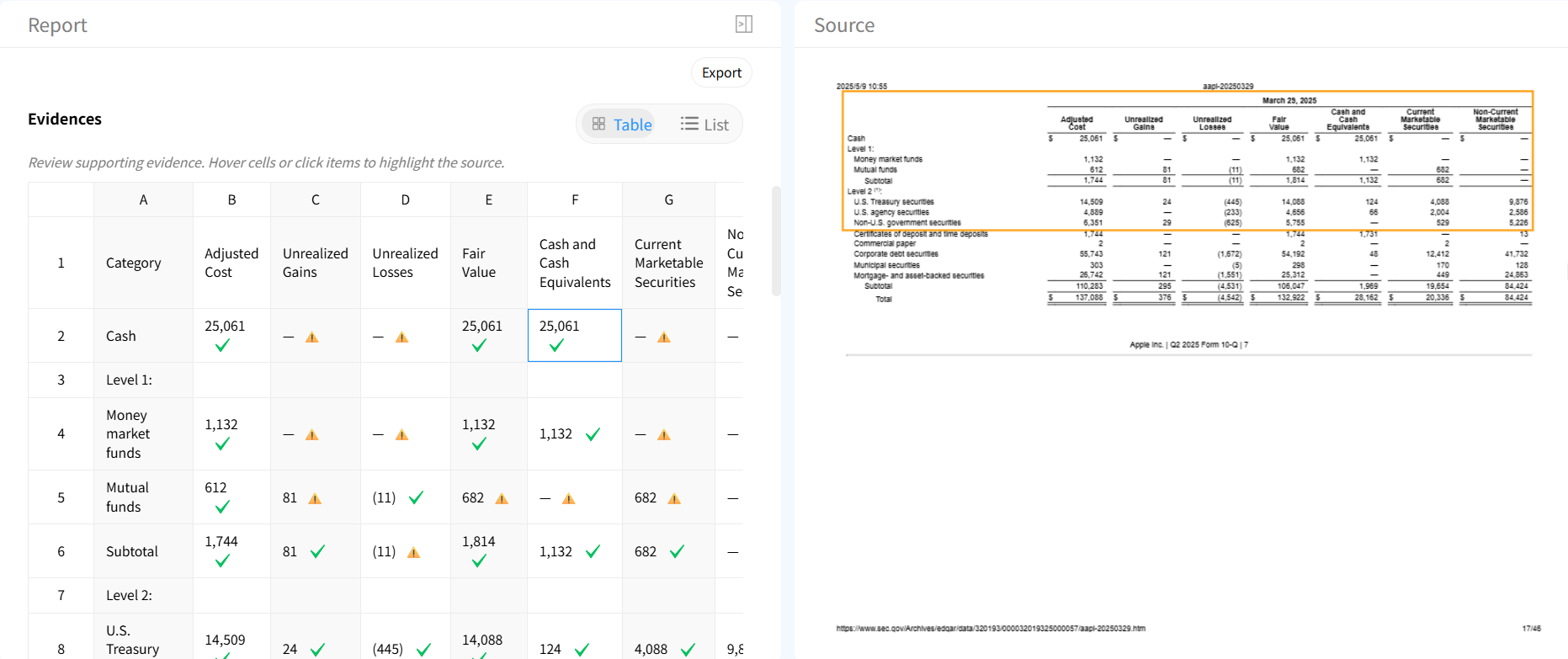
Table verification & traceability
Verify every extracted value against source documents and understand exactly where each cell came from.
Automatic table repair
Fix incomplete extractions, misaligned rows, and formatting issues automatically with AI.

Flexible export formats
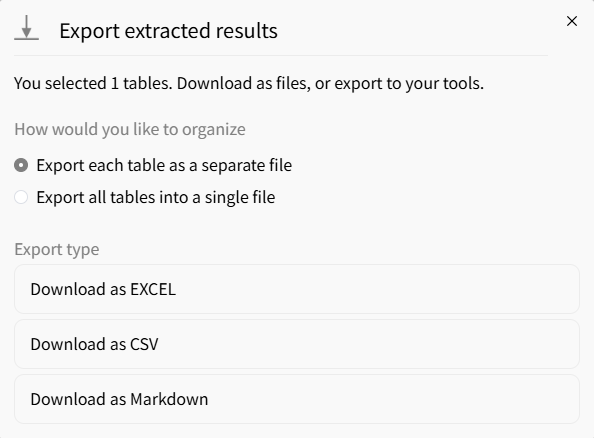
Export structured tables to Excel, CSV, or JSON for analytics, automation, and downstream workflows.
AI vs traditional table extraction tools
Traditional tools
- × Limited to one file type
- × Break on complex or messy tables
- × No validation of extracted data
- × Require manual cleanup
Gentables AI extractor
- ✓ Works across any document type
- ✓ Preserves complex table structures
- ✓ Built-in source verification
- ✓ Automatic cleanup and repair
Who uses table data extraction
Finance & Operations
• Extract financial tables from reports and invoices
• Process contracts and internal documents
• Automate data entry workflows
Research & Analytics
• Extract datasets from papers and reports
• Build structured data from unstructured sources
• Save hours of manual table copying
Engineering & Automation
• Feed clean table data into pipelines
• Standardize structured document inputs
• Integrate extracted data into downstream systems
Table data extractor FAQs
Start extracting table data now



